
FAQ: Synchronization, client and mapping disk
The following questions cover common operations, permissions, collaboration and troubleshooting scenarios when users use BabelBird Enterprise Drive.
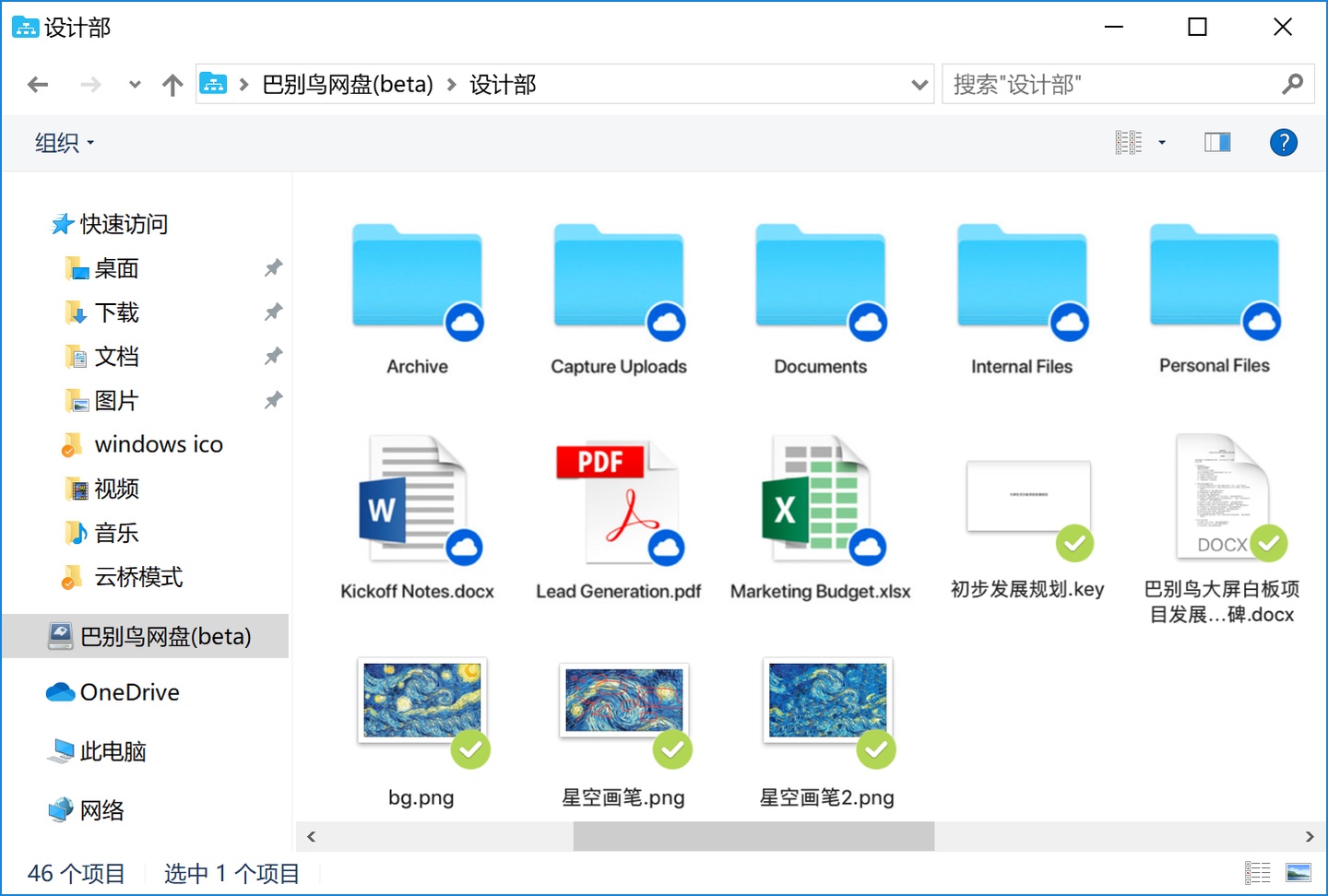
51. What is a mapped drive, and how does it differ from folder synchronization?
A mapped drive shows authorized cloud files and downloads content on demand into a local cache. Uncached content generally requires a connection; cached files do consume disk space. Folder synchronization keeps selected files locally for offline work and transfers changes according to direction and permissions.
Dragging from a mapped drive depends on the OS, cache state and destination app. It is not universally unsupported. Download or cache the content first, then copy it locally if needed.
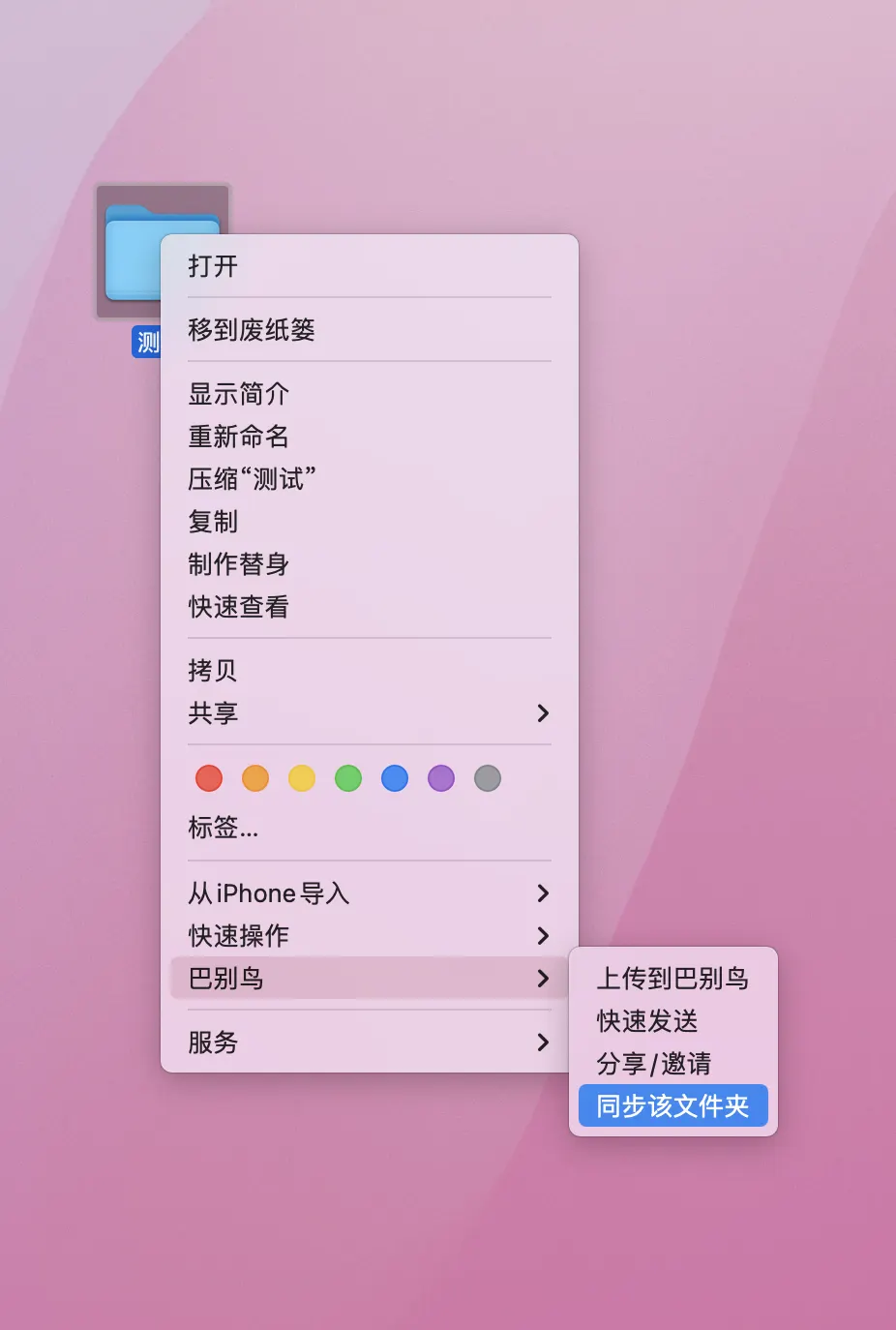
52. Why can't I synchronize newly added files or not synchronize the latest file versions?
Check pause/network status, upload and folder-creation permissions, type filters, enterprise allow/block lists, size limits and quotas. Wait for locked or actively written files to finish saving.
Inspect the exact sync error. Preserve an independent copy of important files outside the synced area before troubleshooting. Do not move files out and back simply to retrigger synchronization: two-way sync may propagate the move as a deletion. Confirm direction and both copies before resetting a task.
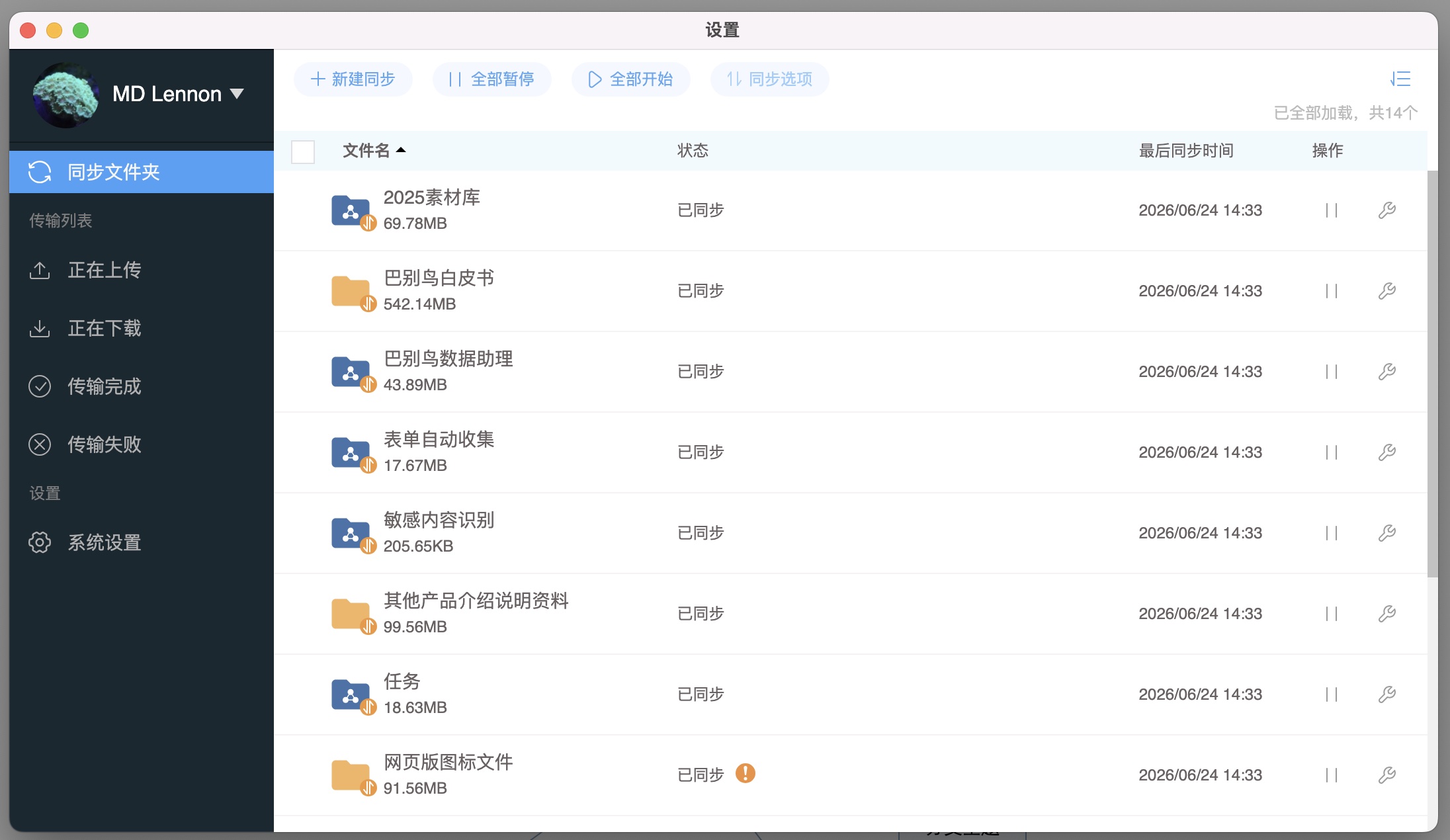
53. Why do I get the message that several files were not synchronized successfully during synchronization?
Use the failed-item log to check permissions, local/cloud space, current upload limits, file locks, unfinished writes, invalid OS filenames or long paths, filters and network/certificate errors. An old 8GB reference is not a universal limit, and Chinese punctuation is not inherently invalid.
Keep the original before retrying; adjust incompatible names or paths when needed. Check network and system time separately, using the correct timezone and synchronized clock. A VPN does not inherently cause clock errors.
54. What are the permissions related to synchronization?
If you are in a department and want to synchronize a folder in the department files, the permissions related to synchronization are:
Upload files (synchronously upload local files)
Download your own files
Download other people's files
Move your own files
Move someone else's files
Delete your own files
Delete other people's files
Create folder Only people with the above roles can perform complete synchronization. If a certain permission is missing, a certain operation during synchronization is missing.
At the same time, if the synchronized folder has been set up with "File Access Control", the settings in File Access Control will prevail.
55. I deleted a file locally when synchronizing files. Will it still be there in the cloud?
In a normal two-way task, deleting a local file or moving it outside the synced folder attempts to delete the cloud counterpart, subject to permissions. Recovery depends on recycle-bin retention. Two-way sync is not an upload-only backup that preserves every locally deleted file; confirm the backup mode separately.
56. During synchronization, if I delete a file in the cloud, will it still be there locally?
Normal two-way sync propagates cloud deletions locally, subject to task direction, permissions and status. Before restoring, check recycle-bin retention and other synced clients to avoid repeated deletion.
57. Can several people in our department synchronize a certain folder at the same time?
Yes, BabelBird supports multiple people to synchronize the same cloud folder. At the same time, if multiple users synchronizing the same folder have the same permissions, the files in the local synchronized folders of several users will be consistent.
58. If I delete a file on the mapped disk, will it still be there in the cloud?
If you have the permission to delete files and you delete a file in the mapped disk, the cloud will delete it in real time. But there will be in the recycle bin.
If you do not have permission to delete the file, the system will prompt you that you do not have permission to delete the file.
59. Why can’t I drag files on my mapped disk to WeChat and send them?
Ensure the mapped file is fully downloaded or cached before dragging it into WeChat. Support for virtual files varies by OS and app version. If dragging fails, copy or download the file into a normal local folder and attach it there. Use the current recipient app limits, not an old fixed 10MB claim.
60. Why can’t I find my mapping disk?
Because the mapped disk needs to obtain the underlying permissions of the operating system, it is easily restricted by the operating system and cannot be accessed. The current version has solved this problem very well, but under some anti-virus software or operating systems, problems such as the mapped disk cannot be found and the file icons in the mapped disk are incorrectly displayed may still occur.
Solution: Put the BabelBird client into the whitelist of the firewall or anti-virus software, uninstall and reinstall the BabelBird client with operating system administrator rights, follow the prompts and allow it to be blocked by the anti-virus software or firewall.
61. Why can some files in my synchronized folder be synchronized, but some cannot?
Files within one task can differ in permissions, size, type and lock state. Check the failed item for upload/download/create-folder permissions, filters, quota, cache space, locks and path compatibility. Back up important originals before following the specific sync error; moving files out and back is not a risk-free repair.
62. Why can I edit some files in the department but not others?
You do not have permission to edit the file. It is possible that your role in the department does not have the permission to "edit other people's files" and the creator of this file is not you. Or the file has file permission controls that prohibit editing. Files cannot be edited while locked. If the "File Owner" mode is turned on, non-persons in charge cannot edit the file.
63. I am a super administrator, why can’t I see the dynamics of some departments?
The super administrator can see the department folders of the entire company for management purposes, but the super administrator cannot see the dynamics of departments that he has not joined. In order to prevent a large amount of information harassment, BabelBird is set to push only the updates of the department, project, and sharing of the members. If the super administrator wants to see the dynamics of a certain department, he can add himself to that department.
64. I am a super administrator, why do files appear in the Recycle Bin after I empty it?
BabelBird's recycling bin is a multi-level recycling bin. In order to facilitate management, it is managed uniformly in the "Recycle Bin" at the front desk. The setting of multi-level recycle bin is that department files deleted by department members can also be seen in the recycle bin of department managers and super administrators. Department files deleted by the department manager also exist in the super administrator's recycle bin. This mechanism can avoid the vicious event of "deleting the database and running away" to the greatest extent. However, because the super administrator also has a corresponding role in the department, and may even be the project manager of a certain department at the same time, this will cause a phenomenon: the super administrator empties the recycle bin (as a department member or department manager), and the files disappear, but if refreshed again, there will still be these files in the recycle bin (as seen by the super administrator). Therefore, the super administrator needs to operate twice to completely delete a department file. This setting is indeed a bit unsatisfactory. We have also noticed this problem and will correct it in future iterations.